ThreeD
Explore spaces through linked plans and 3D Scenes, with Models, Characters and garden layouts.
Discover Projects available to you.
Browse ProjectsThreeD Garden · An open-source workspace
Explore garden layouts, architectural ideas and interactive Scenes in ThreeD App.
Start with a look around. Rotate the garden preview, discover public Projects or follow a guide to see what you can create.
No account needed for this illustrative garden preview. Creating and saving your own Projects requires sign-in.
Loading interactive garden…
Browse ProjectsFour ways to explore
Plan a space, discover media, explore a map or learn something new. Choose a place to begin.
Explore spaces through linked plans and 3D Scenes, with Models, Characters and garden layouts.
Discover Projects available to you.
Browse ProjectsFind an Album, choose a Track and enjoy music, video and lyrics in one place.
Browse published Albums and available media.
Explore MultimediaExplore maps and reports from CHP, Caltrans, CalFire and Bay Area 511.
Coverage and updates depend on each provider.
Explore TrafficGet to know the App with task-based guides for Projects, Design, Models and more.
Read public guides at your own pace.
Find a guideGuests can explore public content. Private Projects and editing tools remain available only to authorized accounts.
Bring editable plans, reusable Models, maps and Multimedia together in a Project. Explore a garden arrangement, explain an architectural concept or bring a Scene to life with supported Characters and Actions. Learn guides help you take the next step.
Inside the App
These are actual public Project screens, captured as a Guest on November 14, 2026. Open a Project to explore its current state. Guest access lets you look around; saving changes requires the appropriate account.
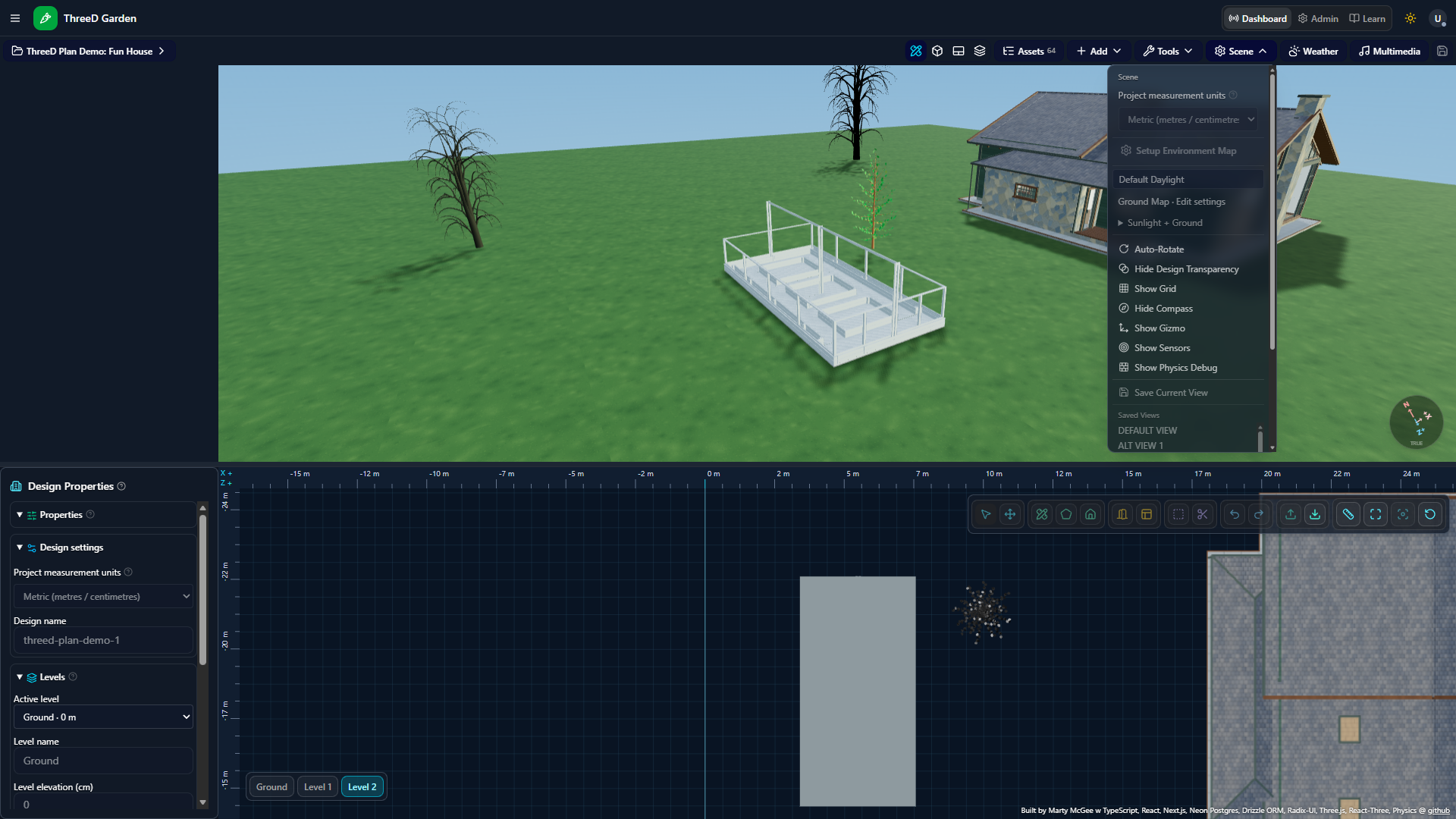
Explore an architectural idea
See buildings and a structural frame alongside the linked Design plan.
Open Project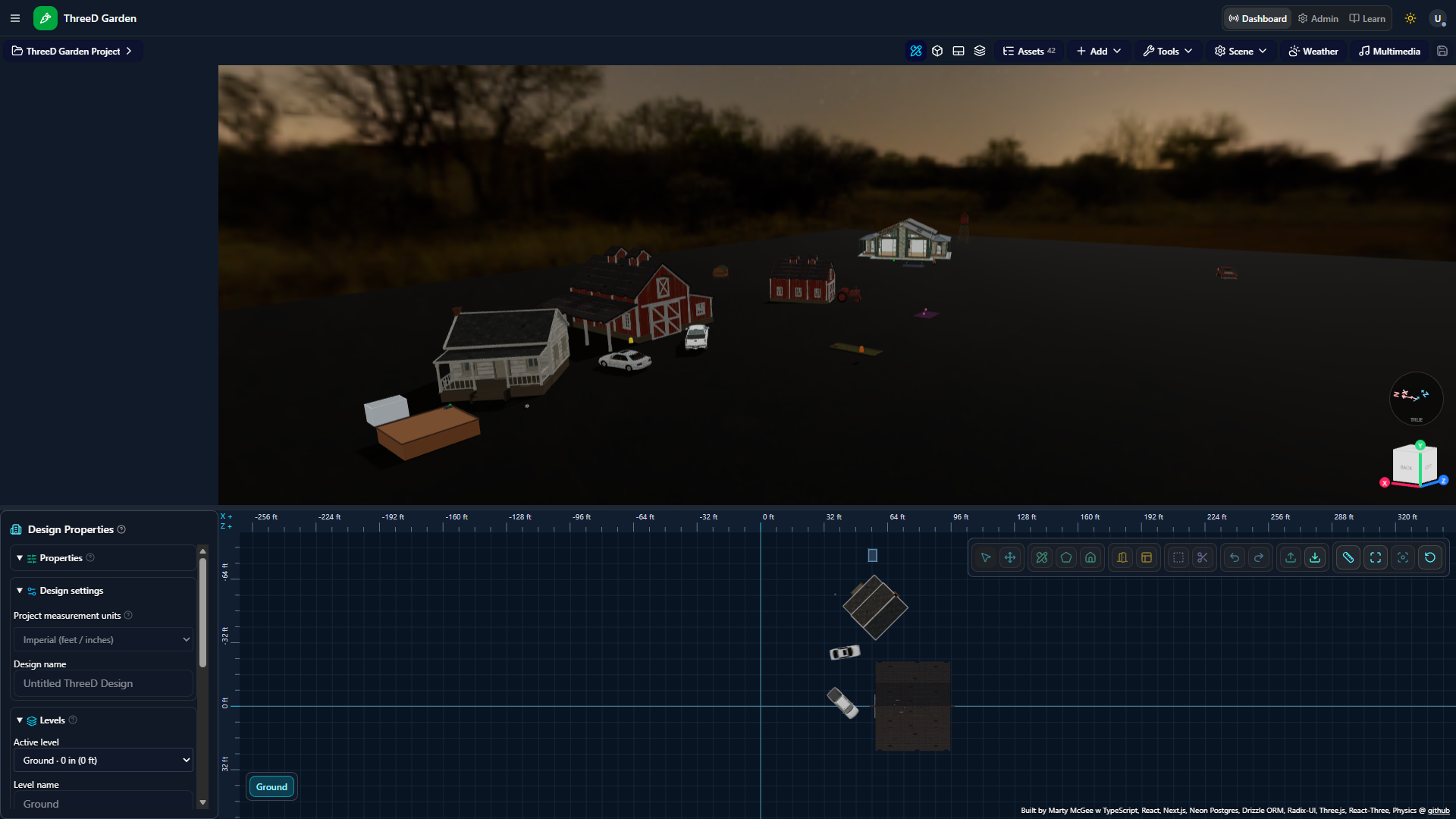
Arrange a space
Explore a garden setting with buildings, reusable Models and a corresponding plan.
Open Project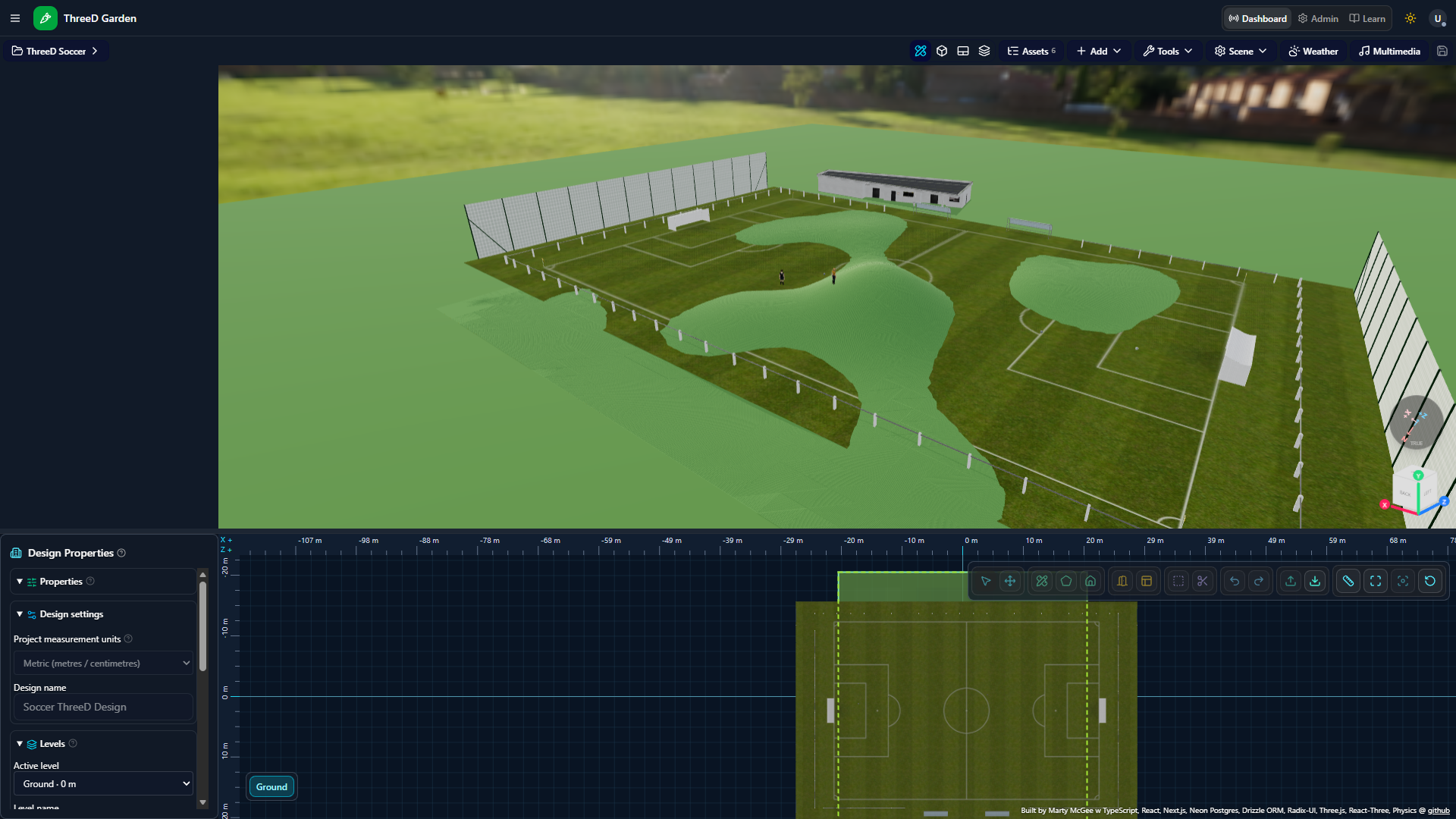
Discover an interactive Scene
Look around a soccer Project with Characters, a field and Terrain. Available interactions depend on the Project setup.
Open ProjectOpen one of the examples above. Give the Scene time to load its Models and textures.
Use the Project view controls to explore Design, 3D, 2D or Combined. The guide explains the controls.
Explore the Learn guidesWhen you are ready, sign in and create your own Project from Dashboard. Use Project Save to keep your changes.
Go to DashboardFeatured Multimedia from the public library. Playback starts when you choose Play.
Loading featured Multimedia…
Try the garden preview, open available public Projects, browse public Multimedia and read Learn guides. Private content and editing remain protected.
Viewing a public Project does not grant permission to edit it. Sign in to create your own Project, then use Project Save to retain your work.
Interactive 3D needs a browser and device with WebGL support. Large Scenes can take longer to load on slower devices. The Home garden has a static fallback, and Learn guides remain useful without interacting with a Scene.
Yes. Application code is available under the MIT License in the ThreeD Garden repository. Models, textures, music and other third-party assets may have separate terms.
For developers and curious minds
Explore how ThreeD App works, read the documentation and build on the code. Application code is MIT-licensed; third-party assets may have their own terms.
Try the garden preview or find a guide. Sign in when you are ready to create and save your own Projects.
Sign in to your account